Videos

DE Zoomcamp 4.2.1 - dbt Core vs dbt Cloud
In this video, you'll understand the key differences between dbt Core and dbt Cloud, the evolution of dbt from an open-source tool to a comprehensive platform, and why this course focuses on dbt Core. You'll learn about dbt Fusion, the new engine rewriting dbt's future, and how to choose the right dbt setup for your needs. 🔗 Course materials: https://github.com/DataTalksClub/data-engineering-zoomcamp/tree/main/04-analytics-engineering 💬 Join the community: https://datatalks.club/slack What You'll Learn: - The origins of dbt Core (2016) as a free, open-source command-line tool - How dbt Cloud emerged as a SaaS platform with managed infrastructure - The introduction of dbt Fusion and its impact on the dbt ecosystem - Adapter support considerations when choosing between Core and Cloud - Why this course uses dbt Core with DuckDB and how it translates to dbt Cloud Timestamps: 🔗 dbt Core vs Cloud comparison: https://www.getdbt.com/product/dbt-core-vs-dbt-cloud

DE Zoomcamp 4.5.3 - dbt Packages
In this video, you'll discover the power of dbt packages - reusable dbt projects that extend your capabilities with pre-built macros, tests, and models. You'll learn about the most valuable community packages, how to find them on dbt Hub, and how to install and use them in your projects. 🔗 Course materials: https://github.com/DataTalksClub/data-engineering-zoomcamp/tree/main/04-analytics-engineering 💬 Join the community: https://datatalks.club/slack What You'll Learn: - What dbt packages are and how they work like Python libraries - Essential packages: dbt utils for cross-database SQL functions - Codegen for automatic YAML file generation (huge time-saver!) - Audit helper for safe refactoring and model comparison - dbt expectations with pre-built tests for almost any scenario - How to install packages and integrate them into your project Timestamps: 🔗 dbt Hub: https://hub.getdbt.com/

DE Zoomcamp 4.6.1 - dbt Commands
In this comprehensive video, you'll master all essential dbt commands and flags needed for daily analytics engineering work. You'll learn when to use each command, understand the powerful dbt build workflow, and discover how to efficiently work with specific models using selectors and state-based deployments. 🔗 Course materials: https://github.com/DataTalksClub/data-engineering-zoomcamp/tree/main/04-analytics-engineering 💬 Join the community: https://datatalks.club/slack What You'll Learn: - Setup commands: dbt init, debug, and deps for project initialization - Feature-specific commands: seed, snapshot, source freshness, and docs - Core workflow commands: compile, run, test, and the all-in-one dbt build - Essential flags: full-refresh, fail-fast, target switching, and model selection - Advanced selectors: upstream/downstream dependencies with + syntax - State-based workflows for CI/CD: detecting modified and new models Timestamps:

DE Zoomcamp 4.5.2 - dbt Tests
In this tutorial, you'll learn how to implement comprehensive testing strategies in dbt to ensure data quality and catch errors before they reach production. By the end of this video, you'll understand the different types of tests available in dbt, from basic generic tests to advanced unit tests and model contracts, and how to use them to build reliable data pipelines. 🔗 Course materials: https://github.com/DataTalksClub/data-engineering-zoomcamp/tree/main/04-analytics-engineering 💬 Join the community: https://datatalks.club/slack What You'll Learn: - Understanding the two root causes of data quality issues (bad source data vs. SQL bugs) - Writing singular tests for custom business logic validation - Implementing source freshness tests to monitor data timeliness - Using dbt's four built-in generic tests (unique, not_null, accepted_values, relationships) - Creating custom generic tests for organization-specific validation rules - Building unit tests to defensively test complex SQL logic - Enforcing data contracts to validate data types and constraints Timestamps:
DE Zoomcamp 4.2.3 - Local Setup (Alternative B)
In this tutorial, you'll learn how to set up a complete local development environment for Module 4 of the Data Engineering Zoomcamp using DuckDB and dbt Core. By the end of this video, you'll have a fully functional local analytics engineering workflow without needing any cloud services or paid accounts. 🔗 Course materials: https://github.com/DataTalksClub/data-engineering-zoomcamp/tree/main/04-analytics-engineering 💬 Join the community: https://datatalks.club/slack What You'll Learn: - Installing DuckDB and dbt Core with the DuckDB adapter - Initializing a dbt project and understanding its structure - Configuring profiles.yaml for optimal performance with large datasets - Creating a local data lake and ingesting NYC taxi data into DuckDB - Setting up Git ignore best practices to avoid committing data - Installing and configuring the Power User for dbt VS Code extension Timestamps:
DE Zoomcamp 4.3.1 - dbt Project Structure
In this tutorial, you'll learn the anatomy of a dbt project and understand the purpose of each directory and file created when you initialize dbt. By the end of this video, you'll know where to place different types of SQL logic, how to organize your transformations, and understand dbt's recommended project structure conventions. 🔗 Course materials: https://github.com/DataTalksClub/data-engineering-zoomcamp/tree/main/04-analytics-engineering 💬 Join the community: https://datatalks.club/slack What You'll Learn: - Understanding the dbt_project.yml file and why it's critical for every dbt command - Using the analysis folder for data quality reports and administrative queries - Creating reusable logic with macros (similar to Python functions) - Working with seeds for quick CSV ingestion and lookup tables - Implementing snapshots to track slowly changing dimensions - Writing singular tests as SQL assertions - Organizing models into staging, intermediate, and marts layers Timestamps:

DE Zoomcamp 4.3.2 - dbt Sources
In this tutorial, you'll learn how to configure dbt sources and create your first staging models. By the end of this video, you'll understand how to connect dbt to your raw data tables, use the source() function for dynamic references, and apply best practices for staging layer transformations including column renaming, data type casting, and proper naming conventions. 🔗 Course materials: https://github.com/DataTalksClub/data-engineering-zoomcamp/tree/main/04-analytics-engineering 💬 Join the community: https://datatalks.club/slack What You'll Learn: - Creating a sources.yml file to define your raw data locations - Understanding database, schema, and table configurations for both DuckDB and BigQuery - Using the source() function instead of hard-coded table references - Implementing staging model naming conventions (stg_ prefix) - Organizing columns logically (IDs, timestamps, trip info, payment info) - Casting data types explicitly for consistency - Following the one-to-one staging principle (minimal transformations) Timestamps:

DE Zoomcamp 4.4.1 - dbt Models
In this tutorial, you'll learn how to build intermediate and mart models in dbt by exploring real-world data transformations. By the end of this video, you'll understand the difference between staging, intermediate, and mart layers, learn how to use the ref() function to build dependencies between models, and discover how to handle column discrepancies when combining datasets. 🔗 Course materials: https://github.com/DataTalksClub/data-engineering-zoomcamp/tree/main/04-analytics-engineering 💬 Join the community: https://datatalks.club/slack What You'll Learn: - Transitioning from staging to business logic: exploring data and understanding context - Planning your mart layer: dashboards vs dimensional models (facts and dimensions) - Understanding dimensional modeling concepts (fact tables and dimension tables) - Using the ref() function to reference dbt models (vs source() for raw data) - Creating intermediate models for complex transformations like unions - Handling column discrepancies between similar datasets - Understanding the business context behind the NYC taxi data (yellow vs green taxis) - Adding default values for missing columns to enable unions Timestamps:

DE Zoomcamp 4.4.2 - dbt Seeds and Macros
In this tutorial, you'll learn how to use dbt seeds to import lookup tables and create reusable logic with dbt macros. By the end of this video, you'll understand how to enrich dimensional data using CSV files, implement macros as SQL functions to maintain consistency, and apply these concepts to build proper dimension tables for your data warehouse. 🔗 Course materials: https://github.com/DataTalksClub/data-engineering-zoomcamp/tree/main/04-analytics-engineering 💬 Join the community: https://datatalks.club/slack What You'll Learn: - Understanding the need for lookup tables (vendor names, location details) - Using dbt seeds to import CSV files into your data warehouse - Creating dimension tables from seed data (dim_zones) - Building macros to encapsulate reusable business logic - Using macros as SQL functions with parameters - Enriching dimension tables with descriptive attributes - Best practices for seeds: size limitations and security considerations Timestamps:

DE Zoomcamp 4.5.1 - Documentation
In this tutorial, you'll learn how to create comprehensive documentation for your dbt project using YAML files and dbt's built-in documentation features. By the end of this video, you'll understand how to document sources, models, and columns, add metadata tags for governance, and generate a visual lineage graph that shows how your data flows through transformations. 🔗 Course materials: https://github.com/DataTalksClub/data-engineering-zoomcamp/tree/main/04-analytics-engineering 💬 Join the community: https://datatalks.club/slack What You'll Learn: - Creating documentation in sources.yml and schema.yml files - Adding descriptions for tables and columns (single and multi-line) - Implementing metadata tags for governance (PII, ownership, importance) - Documenting models, macros, and seeds - Using dbt docs generate to create documentation JSON - Using dbt docs serve to view documentation locally (dbt Core) - Exploring the dbt documentation site: compiled SQL, lineage graphs, and dependencies - Understanding the difference between technical documentation and data catalogs Timestamps:
DE Zoomcamp 4.2.2 - Cloud Setup (Alternative A)
In this tutorial, you'll learn how to set up the cloud infrastructure needed for Module 4 of the Data Engineering Zoomcamp. By the end of this video, you'll be able to configure BigQuery with dbt Cloud, create secure service accounts with appropriate permissions, and initialize your first dbt project in the cloud. 🔗 Course materials: https://github.com/DataTalksClub/data-engineering-zoomcamp/tree/main/04-analytics-engineering 💬 Join the community: https://datatalks.club/slack What You'll Learn: - Setting up BigQuery API access and verifying your data from Module 3 - Creating service accounts following security best practices - Configuring dbt Cloud with BigQuery integration - Understanding the difference between managed and GitHub-integrated Git repositories - Initializing and structuring your first dbt Cloud project Timestamps:

dbt-excel, the revolutionary dbt adapter that turns Spreadsheets into data warehouses
Welcome to dbt-excel, the revolutionary dbt adapter that combines the rigor of dbt with the flexibility and familiarity of Excel. Get ready to change the way you look at data analytics forever. ...

The Problem with Tableau & Power BI
I love how Tableau & Power BI are constantly pushing each other to become better tools. Both of these tools come with an army of shiny features. But I believe could still learn a lot from DevOps an...

The Problems with KPI's (Key Performance Indicators)
KPI's are an invaluable tool to track the progress of your organization. But they can be a double-edge sword and here are 3 reasons why.

The Problem with Open-Source Dashboarding Tools
As soon as programmer hear about the cost of a tool like Tableau or Power BI, their first instinct is to look for an open-source alternative. So far, I haven't found a good one. Open-source alterna...

Tableau Calculation Mastery: Unpivoting & Last Date with Data
In this tutorial I show you how to combine two advanced formulas. The first one is how to unpivot a column (turn one column into multiple) using LODs. The second I show you how to calculate the las...

Power BI Hacks: Evenly-Spaced Tables
Have you ever tried to evenly space the columns of a table or a matrix? You know, just like in Excel. Only to find out this is not possible out of the box? Well, today I share how to get it done. T...

Power Query Tips: SQL Script from Files (part 2)
In the last video, I showed you how to modify your query based on a SQL script. Now we are taking it one step forward and turn it into a function that bulk loads multiple SQL scripts. If you have...
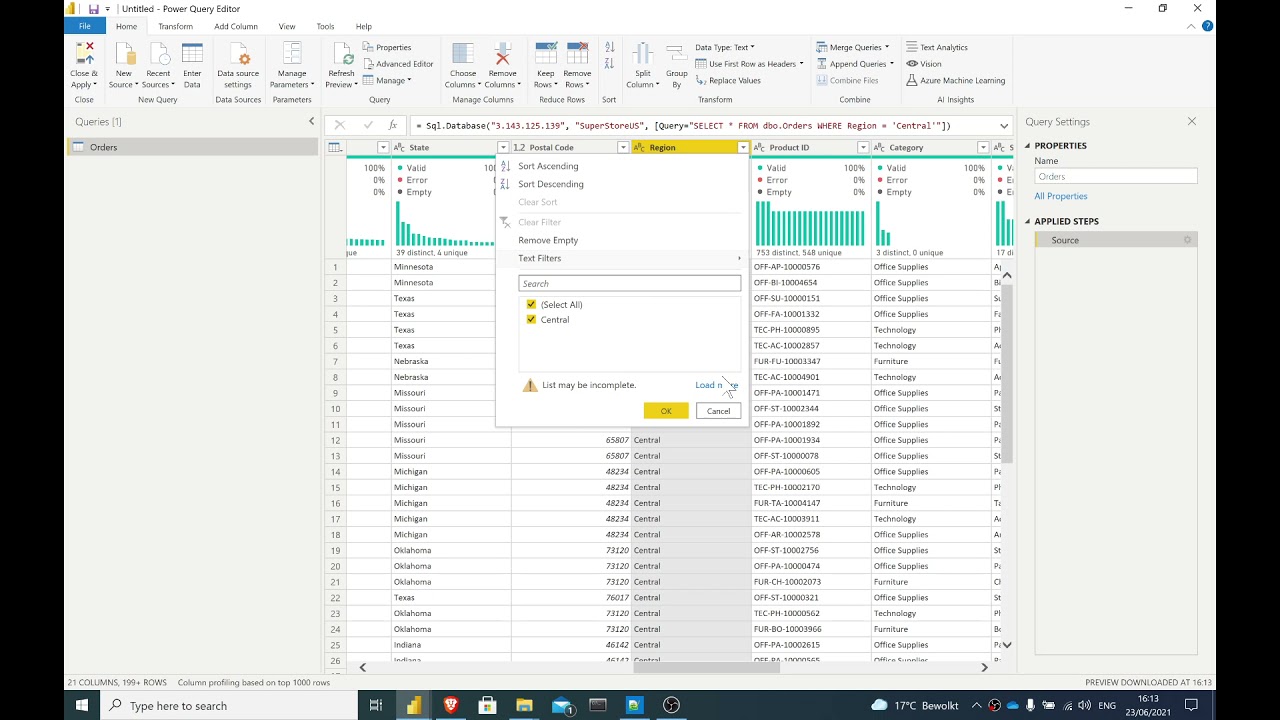
Power Query Tips: SQL Script from Files (part 1)
In this video, I show you how to modify your query based on a SQL script. Normally, you would need to copy and paste the code any time you change the script. But with some M magic, we can point Pow...

Mastering Power Query: Part 5 (Jedi)
This is the fifth and final video in a series of Power Query tutorials. In this video, I show you how to turn an M script into a reusable function. True M mastery comes from making your work robust...

Mastering Power Query: Part 4 (Pro)
This is the fourth video in a series of Power Query tutorials. In this video, I show you how to use the Advanced Editor and some M language commands to make your Power Query work more robust. Watch...

SQL Tutorial: Using SQLFiddle
SQLFiddle is a great tool if you want to test your SQL scripts. It is 100% web-based, you can use multiple SQL dialects, and it is easy to use. I personally use it to test my scripts with values th...

SQL Tutorial: Working with NULL values in T-SQL
In this video, I walk you through a use case in which I had NULL values, empty strings, and a variable number of spaces. I show you my line of reasoning and walk you through the formulas I used, be...

Mastering Power Query: Part 3 (Advanced)
This is the third video in a series of Power Query tutorials. In this video, I show you how to use the Advanced Editor and some M language commands to make your Power Query work more robust.

Power Query: Using M to make your work reusable (Advanced)
Power Query allows us to clean data with just some clicks. But you need to get your hands dirty with the M language to make your work truly re-usable. In this tutorial I walk you through a real-wor...

How to build a Tableau portfolio?
Are you looking for a Tableau job at the moment? Here are is some inspiration on how to make a Tableau Portfolio using Tableau Public.

Mastering Power Query: Part 2 (Intermediate)
This is the second video in a series of Power Query tutorials. In this video, I show you some best practices and how to avoid some nasty habits like renaming columns or leaving the change types in ...
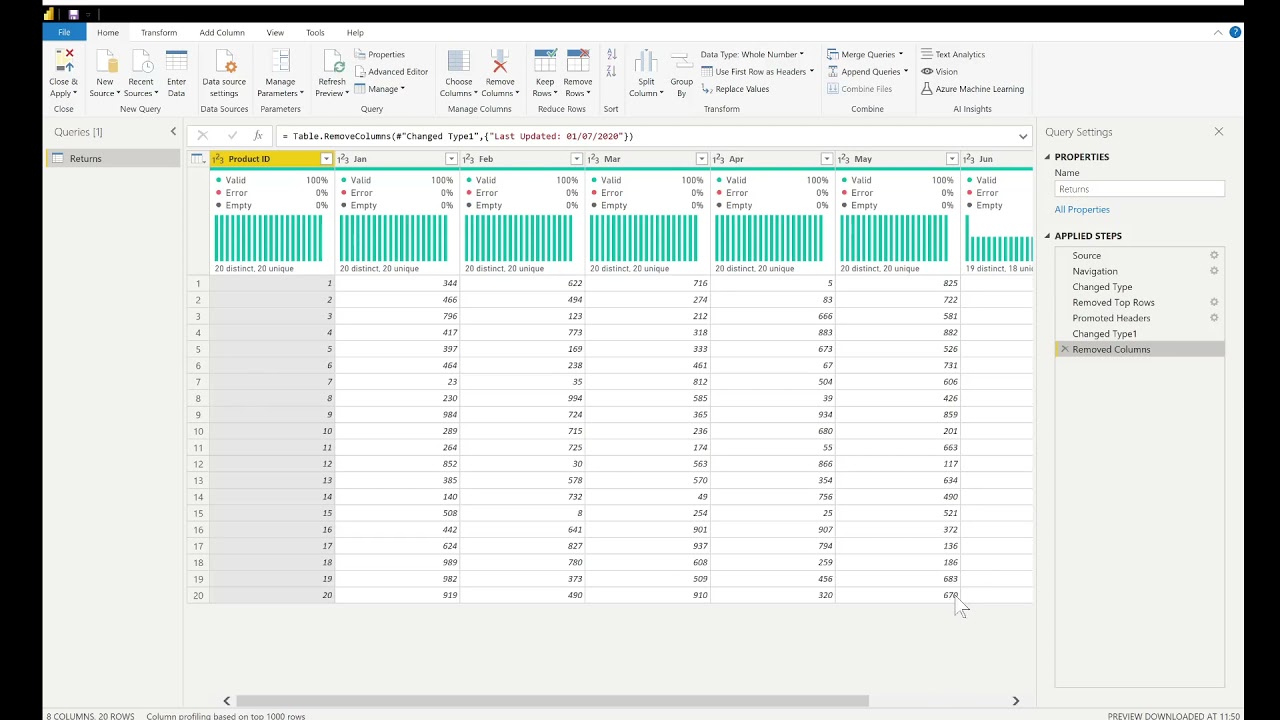
Mastering Power Query: Part 1 (Beginners)
This is the first video in a series of Power Query tutorials. In this video, I show you how to get the job done (even if it wasn't always the best way possible). Watch the next videos in the series...

Using R script visuals in Power BI
Power BI makes it possible to embed R and Python visuals inside of your reports. Using this feature can add different levels of complexity, but it can be a game changer for those visualizations tha...

Sentiment Analysis with Alteryx (Using the R tool)!
In this video, I show how to use the R tool in Alteryx to do sentiment analysis. Then, we turn it into a macro so that it can be further re-used. This is not an R tutorial and I don't explain sen...
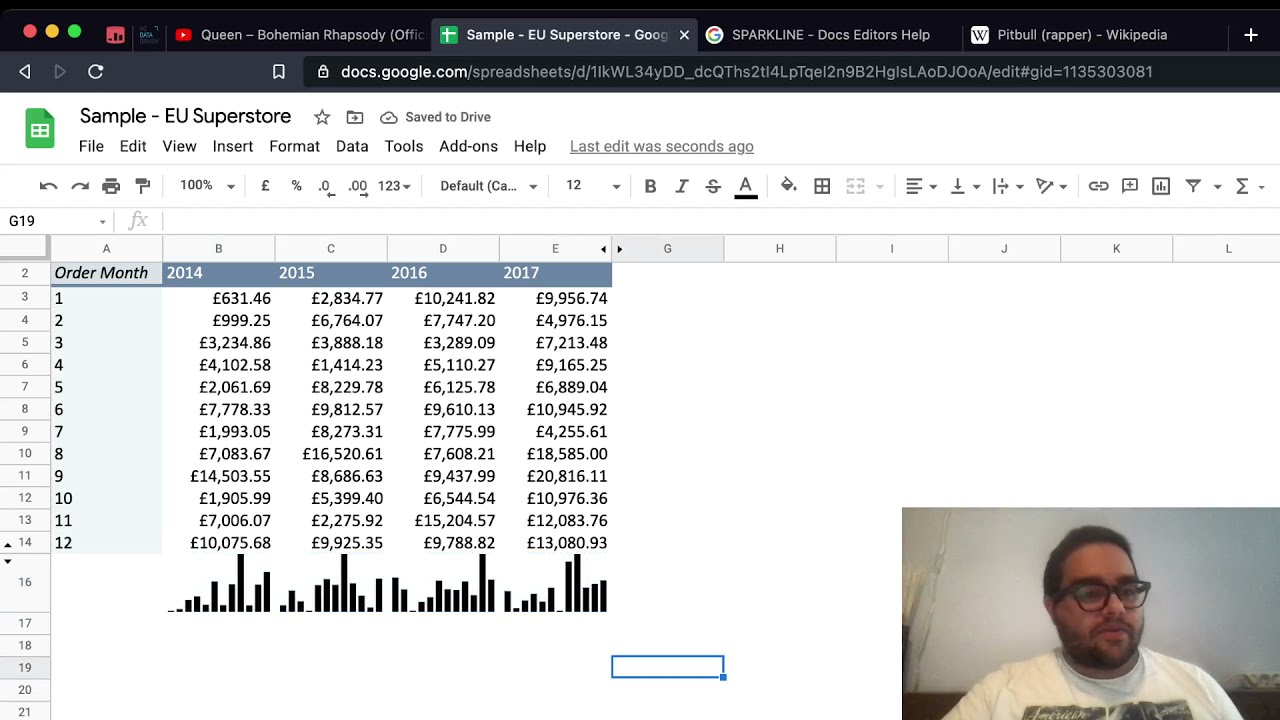
5 Google Sheets Tricks you might not know!
I cannot make it personally to the XKE, so I have decided to make a video as a replacement for my talk. I hope you can learn one thing or two from this video.

Tableau Calculation Mastery: 3 Ways to Split Columns
In this video I show you how to split a column in Tableau using 3 methods: 1) The easy way with Split 2) The Excel way with Find, Len, Left, and Right 3) The hard way with Regular Expressions

Using Google Sheets to Scrape Web data
This video teaches you how to use the =IMPORTHTML() formula from Google Sheets to extract data from a website.

Tableau Fun: Using Unicode characters instead of Custom Shapes
If your two axes are occupied, you can also use Unicode characters in your calculations as if they were custom shapes.

Excel-like Absolute Reference in Tableau
When Excel users start learning Tableau, they are always curious about how to calculate an absolute reference. In Tableau and in SQL, this is a bit more difficult, but it is also possible. This tut...

Tableau Time Series: How many in a certain moment?
How many members did the club have at a certain moment in time? The answer to this question is not as straightforward as you might think. In this video, I show you a solution to this problem. In ...